Product
Design with
full control
Details worth
obsessing over
Flexible Layouts. Drag a layer and smart guides snap it to neighbors, edges, and the spacing of nearby layers.

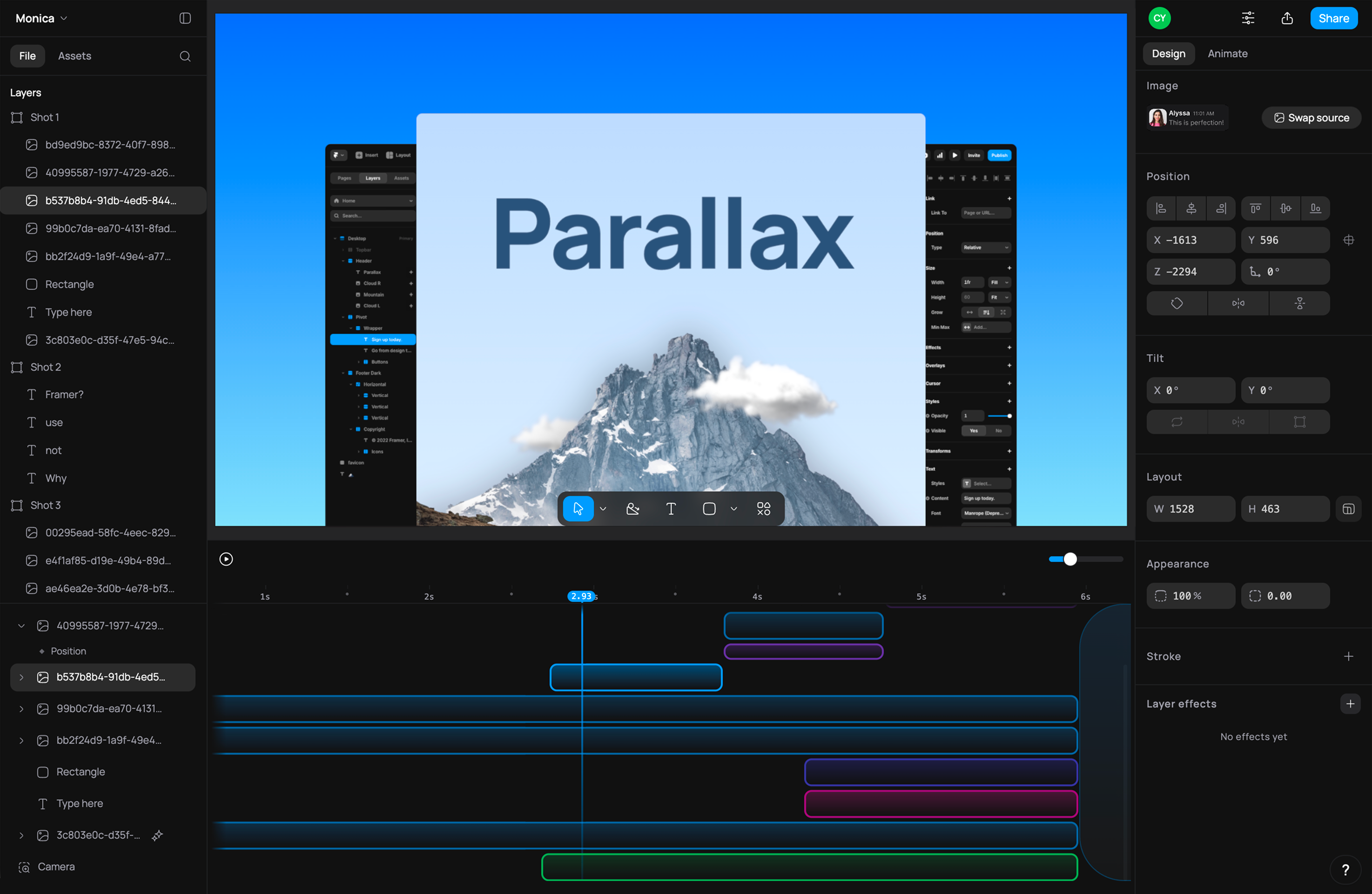
3D Tilt. Lean a flat UI screenshot back into the frame for instant depth, by tool or exact angle.
Animations. Pick a one-click entrance like Fade or Typewriter, then draw your own easing curve on any property.
Effects. Shallow depth of field and bloom give every frame a film-grade finish, and rack focus mid-shot.
Live Share. Send one link and reviewers scrub your animation as it plays, their cursors moving live on the canvas.
Timeline. Skip the keyframe graphs. Drag a block onto a property lane and stretch its edges for duration.

Camera Moves. Set two framings and get a smooth, arc-free move between them, as a 3D dolly or a flat zoom.
Paste from Figma. Copy as SVG in Figma and paste. It lands as real layers, text still editable and shapes still filled.
Shoot bold.
Ship fast.